 Ghostpilot
Home · Comparisons · Ghostpilot vs GhostPilot AI: two different apps
Ghostpilot vs GhostPilot AI: two different apps
Similar names, two different companies. Ghostpilot, one word, at ghostpilotai.tech, isn't affiliated with GhostPilot AI at ghostpilotai.com. Here's how to tell them apart, and how they compare.
We make Ghostpilot, so read this with that in mind. Competitor details come from their own public pages (GhostPilot AI checked 13 November 2026); prices change often, so check their site before you buy. Product names belong to their owners.
In short: GhostPilot AI is a Windows app with a Chrome extension, priced in dollars from $15 a session to $59 a month. Ghostpilot has native Mac and Windows apps, a Chrome extension and a VS Code extension, from €4.90 a call or €19 for an unlimited week.
On a Mac, only Ghostpilot runs today. On Windows both work: Ghostpilot installs from the Microsoft Store, which keeps it updated, or with an installer from its website, while GhostPilot AI comes as a ZIP download.
At a glance
| Ghostpilot | GhostPilot AI | |
|---|---|---|
| Cheapest way to cover one interview | €4.90 for one call up to 60 minutes | $15 for one 90-minute session |
| Shortest paid plan | €19 for 7 days, no subscription | $15 (one 90-minute session) |
| Two weeks of interviews (6 calls) | €24.80 (5 + 1 session credits) or €38 (two Interview Passes, unlimited) | $58 (two Session Passes, 6 sessions) or $59 (Pro, one month) |
| Free plan | 2 live sessions a month (30 min each), 3 mock interviews, 1 h cloud transcription | A 10-minute live session, refreshed weekly, and 12 prep and mock answers |
| Refunds | Full refund within 14 days for anything unused | 30-day money-back on a first Pro payment only if fewer than 3 live sessions and under 2 hours were used; passes are refundable within 7 days only if no session was used (GhostPilot AI terms) |
| Platforms | Native apps for macOS 14.2+ (Apple Silicon and Intel) and Windows 11 or 10 (64-bit; hearing a call app needs Windows 11), web dashboard on any device, VS Code and Chrome extensions | Desktop app for Windows 10+ and a Chrome extension; a macOS app is announced (sign-up for release news) |
| Transcription | On a Mac, on the computer by default; on Windows, cloud transcription through an EU relay with automatic language detection. Audio is never stored | Live transcription in 50+ languages; audio processed in real time and never stored (GhostPilot AI About page) |
| How you install it | From the Microsoft Store or an installer from the website on Windows; a notarized download on Mac | Download a ZIP file |
| Updates | Automatic, through the Microsoft Store on Windows and the app itself on Mac | Download it again each time |
| Where speech becomes text | On the computer by default on a Mac; through an EU relay on Windows | On the GhostPilot AI server, all the time |
Pricing in detail
GhostPilot AI (checked 13 November 2026)
- Free: $0. A 10-minute live session, refreshed weekly, and 12 prep and mock answers.
- Single Session: $15 one-time. One 90-minute live session.
- Session Pass: $29 one-time. 3 sessions of up to 2 hours each; sessions never expire.
- Pro Monthly: $59 a month. Unlimited sessions, voice style matching, post-interview reports.
- Pro Annual: $192 a year ($16 a month). Same as Pro Monthly, billed yearly.
Prices in US dollars on the GhostPilot AI home page; payments go through Gumroad as merchant of record (GhostPilot AI terms). Source: ghostpilotai.com.
Ghostpilot
- Free: €0. 2 live sessions a month (30 min each), 3 mock interviews, 1 h cloud transcription.
- Single session: €4.90. One live call up to 60 min, or one mock interview; credits don't expire.
- 5 sessions: €19.90. Credits that don't expire.
- Interview Pass: €19 for 7 days. Unlimited live sessions and mocks, 5 h cloud transcription, premium model; no subscription.
- Pro: €39 a month or €199 a year. Unlimited sessions, 15 h cloud transcription a month, cancel any time.
Prices include VAT. Full refund within 14 days for anything unused.
Where GhostPilot AI is the better choice
- Says it transcribes 50+ languages live.
- Session Pass sessions run up to 2 hours each and never expire.
- Voice style matching and a debrief after each session with a filler-word count.
Where Ghostpilot is different
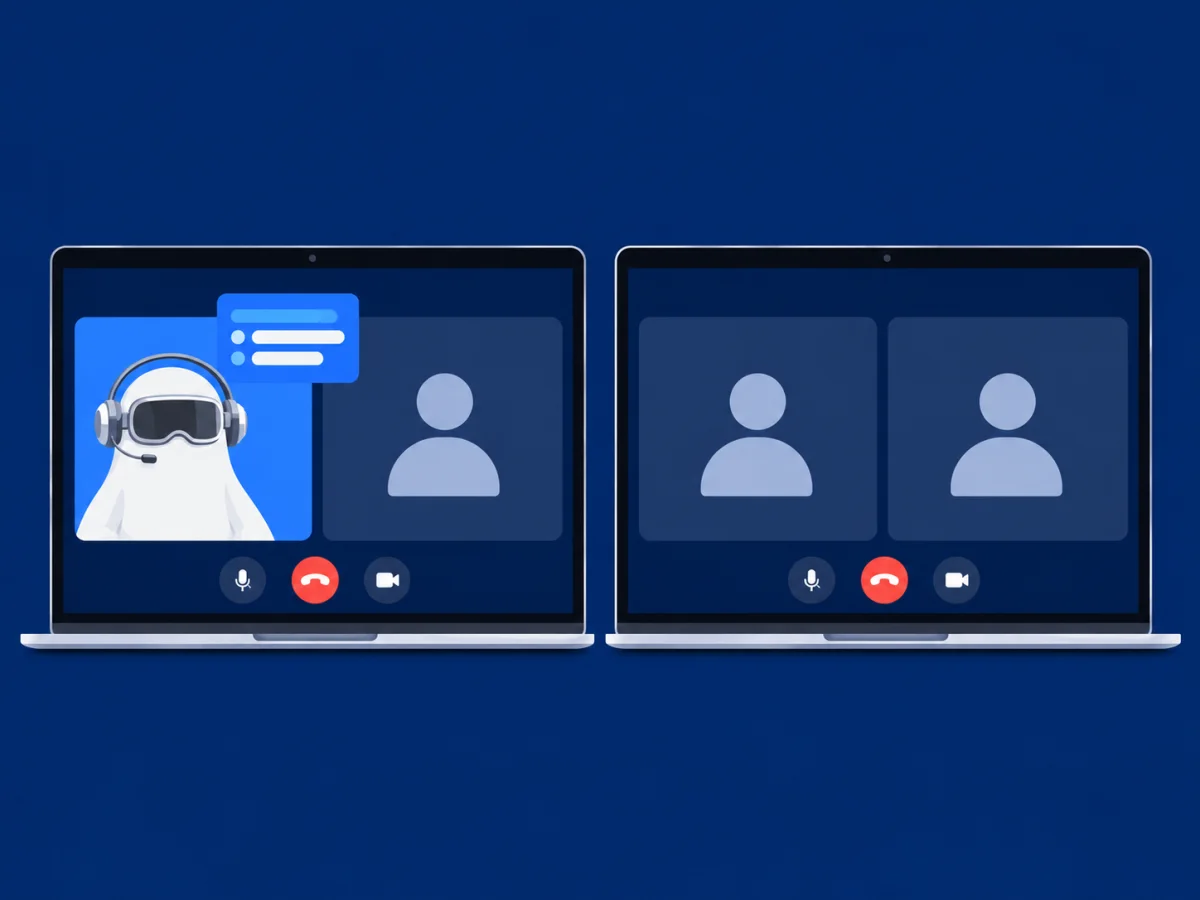
- Priced for a job search. Most searches last weeks, so Ghostpilot sells a 7-day Pass and single calls next to the monthly plan. You don't commit to months you won't use.
- Native apps for Mac and Windows. Written in Swift for macOS and C# for Windows: a menu-bar or tray app with a floating overlay and keyboard shortcuts (⌘⇧S or Ctrl+Shift+S to start, ⌘⇧X or Ctrl+Shift+X for a screenshot).
- Audio never stored. On a Mac, speech becomes text on the computer by default, about half a second after the interviewer stops; on Windows it goes through our EU speech relay. The audio is never kept.
- Answers from your own CV. Add your CV and the job ad; answers follow your experience and the job's requirements, in bullets or a script, with STAR for behavioural questions.
- Prep included in every plan. Mock interviews with scores (137 role scenarios), question bank from your CV and the job, company interview guides, resume builder with PDF export, CV check, cover letters, job tracker.
Which one should you pick?
Pick GhostPilot AI if
- You want live transcription in one of 50+ languages.
- You want sessions of up to 2 hours that never expire.
- You want answers phrased in your own voice style.
Pick Ghostpilot if
- You're on a Mac.
- You want a Windows app from the Microsoft Store that updates itself.
- You want a free allowance every month: 2 live interviews and 3 mock interviews.
- You want a VS Code extension for coding rounds.
- You want a full refund within 14 days for anything unused.
Questions
Is Ghostpilot cheaper than GhostPilot AI?
For a search of a few weeks, yes: Ghostpilot sells a €19 week or a €4.90 call, while GhostPilot AI's shortest paid option is $15 (one 90-minute session). If you interview all year, compare GhostPilot AI's longer plans with Ghostpilot Pro at €199 a year.
Does Ghostpilot work on Windows like GhostPilot AI?
Yes. Ghostpilot has native apps for Mac and Windows; hearing a call app on Windows needs Windows 11, and Windows 10 works with a phone on speaker. The web dashboard (mock interviews, resume builder, question bank) works on any computer. GhostPilot AI: Desktop app for Windows 10+ and a Chrome extension; a macOS app is announced (sign-up for release news).
Will the interviewer see Ghostpilot?
The overlay is excluded from screen capture on Mac and Windows, with no Dock or taskbar button. How well that works depends on your macOS or Windows version and the app capturing the screen, so Ghostpilot has a built-in stealth test that shows what a viewer would see. No tool can promise 100%, and we don't.
Is my call audio stored?
No. On Mac and Windows, Ghostpilot transcribes on the computer by default and throws the audio away. With cloud transcription switched on, audio passes through our relay to a speech service in the EU and isn't stored.
Is Ghostpilot the same as GhostPilot AI?
No. They're separate products from separate companies with similar names. Ghostpilot (one word) is at ghostpilotai.tech; GhostPilot AI is at ghostpilotai.com. An account or a purchase with one doesn't work in the other.
How do I know I have Ghostpilot?
Ghostpilot's apps and extensions are published by Ghostpilot and link to ghostpilotai.tech: the Mac app, the Windows app in the Microsoft Store, the Chrome extension "Ghostpilot Coding Copilot" and the VS Code extension "ghostpilot.ghostpilot-vscode".
Try Ghostpilot on your next practice call
Free to start: 2 live sessions and 3 mock interviews a month. When the real interviews start, a 7-day Pass is €19 and a single call is €4.90.