 Ghostpilot
Home · Comparisons · Best for Mac
The best AI interview assistant for Mac
On a Mac, the right interview assistant comes down to a few practical things: how it hears the call, whether it stays out of your screen share, where your audio goes, and what it costs for the weeks you're interviewing.
We make Ghostpilot, so read this with that in mind. Competitor details come from their own public pages (Final Round AI and LockedIn AI checked 1 November 2026, Parakeet AI 29 October 2026); prices change often, so check their site before you buy. Product names belong to their owners.
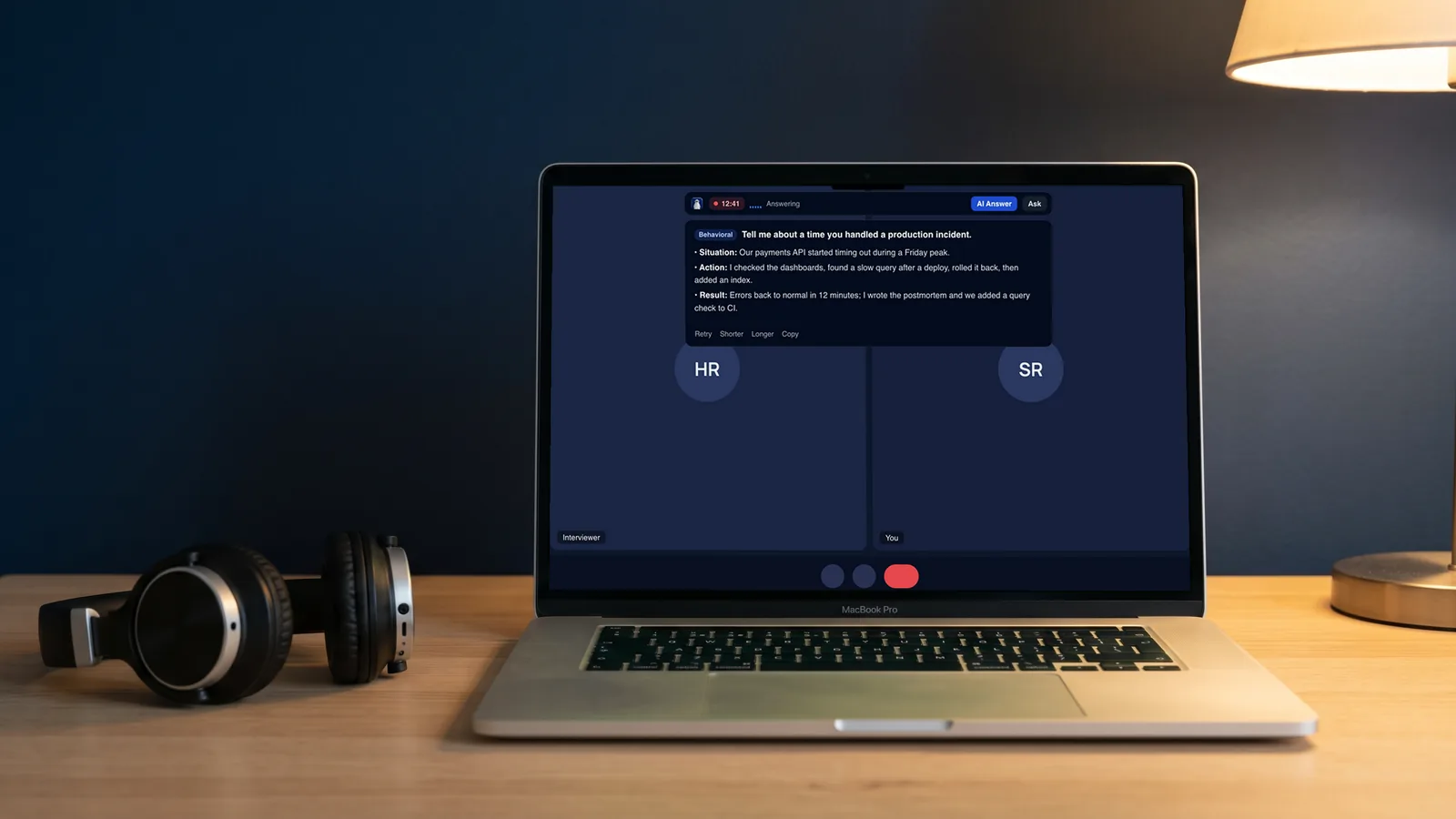
What matters on a Mac
- Hearing both sides. The app needs the meeting's audio, not only your microphone. On macOS that means the Screen & System Audio Recording permission.
- Staying out of the screen share. Overlays can be excluded from capture, but results vary with the macOS version and the meeting app. Look for a way to test it yourself.
- On-device speech recognition. Macs can turn speech into text locally. An assistant that uses it keeps your call audio on your computer.
- Feeling native. A menu-bar app with keyboard shortcuts gets out of your way during a call; check that it runs well on Apple Silicon.
- Price for a few weeks. Interview seasons are short. A weekly or per-call option saves a lot over a multi-month plan.
The options
| Ghostpilot | Final Round AI | LockedIn AI | Parakeet AI | |
|---|---|---|---|---|
| On the Mac | Native app written in Swift, menu bar, macOS 14.2+ | Desktop app, macOS 14.4+ | Desktop app for macOS | Browser or desktop app (built with web technology) |
| Transcription | On your Mac by default; cloud optional | Not stated | Not stated | Cloud |
| Test what viewers see | Built-in stealth test | Not listed on pricing page | Not listed on pricing page | Explained on a privacy page |
| Shortest paid option | €4.90 a call, €19 a week | $250 for 2 months | $69.99 a month | Credits; €67 a week unlimited |
| Also on Windows | No (web dashboard only) | Yes | Yes | Yes (browser) |
"Not stated" means we found no mention of where transcription happens on their pricing and product pages.
Which tool fits you?
Two questions, and an honest answer, even when it isn't us.
Why we built Ghostpilot for the Mac first
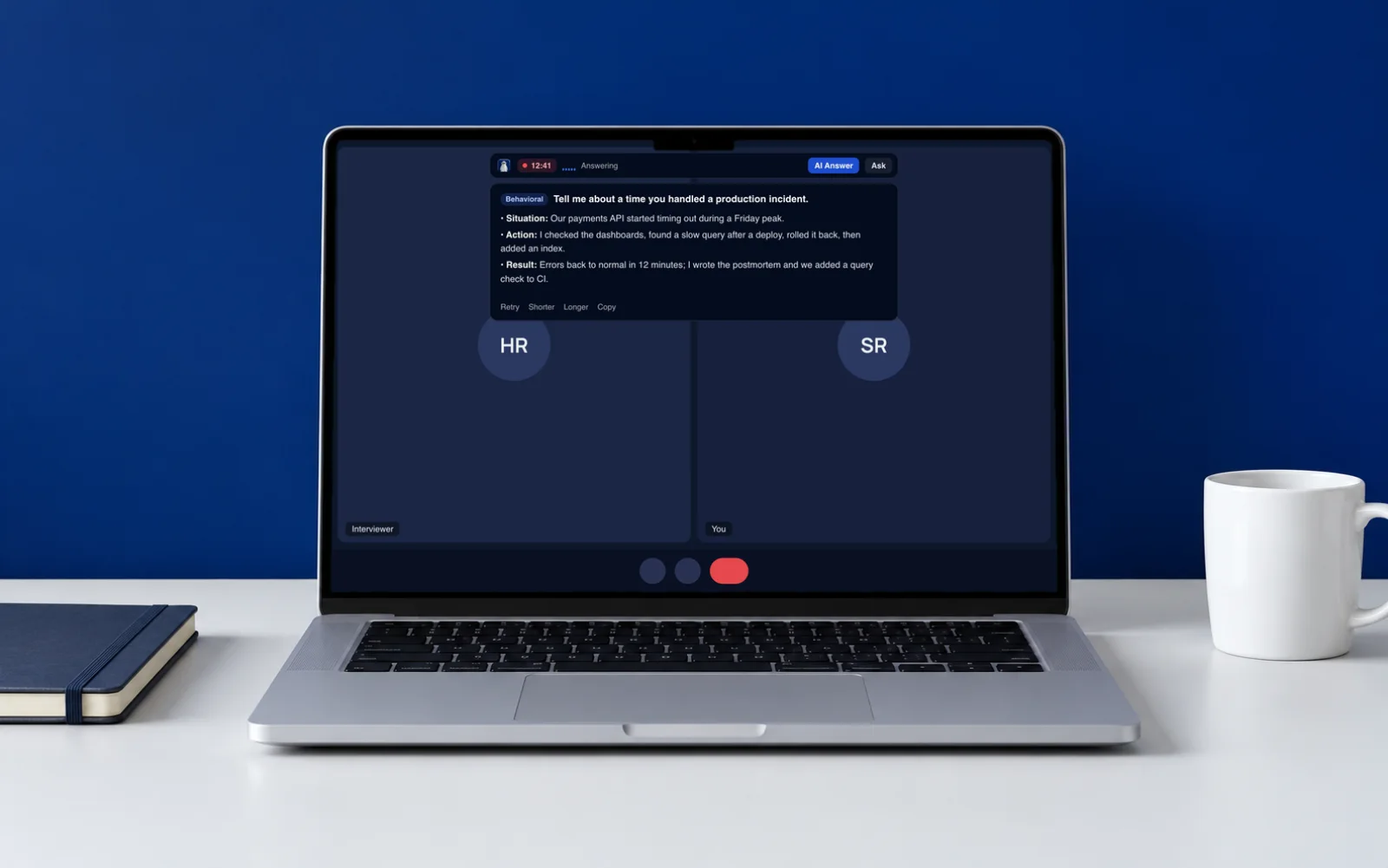
Ghostpilot started as a Mac app because macOS offers what an interview assistant needs: on-device speech recognition, per-app audio capture and windows that can be excluded from screen capture. It lives in the menu bar with no Dock icon, transcribes on your Mac about half a second after the interviewer stops, and shows answers built from your CV and the job in a floating overlay. Before the call, the stealth test shows you exactly what a screen-share viewer would see.
- Shortcuts: ⌘⇧S start, ⌘↵ answer now, ⌘⇧X screenshot a coding problem, ⌘⇧H hide.
- Works with Zoom, Microsoft Teams, Google Meet, Webex, FaceTime and Slack huddles.
- Prep in the web dashboard: mock interviews with scores, a question bank, company guides, resume builder and CV check.
How to test any assistant before the real call
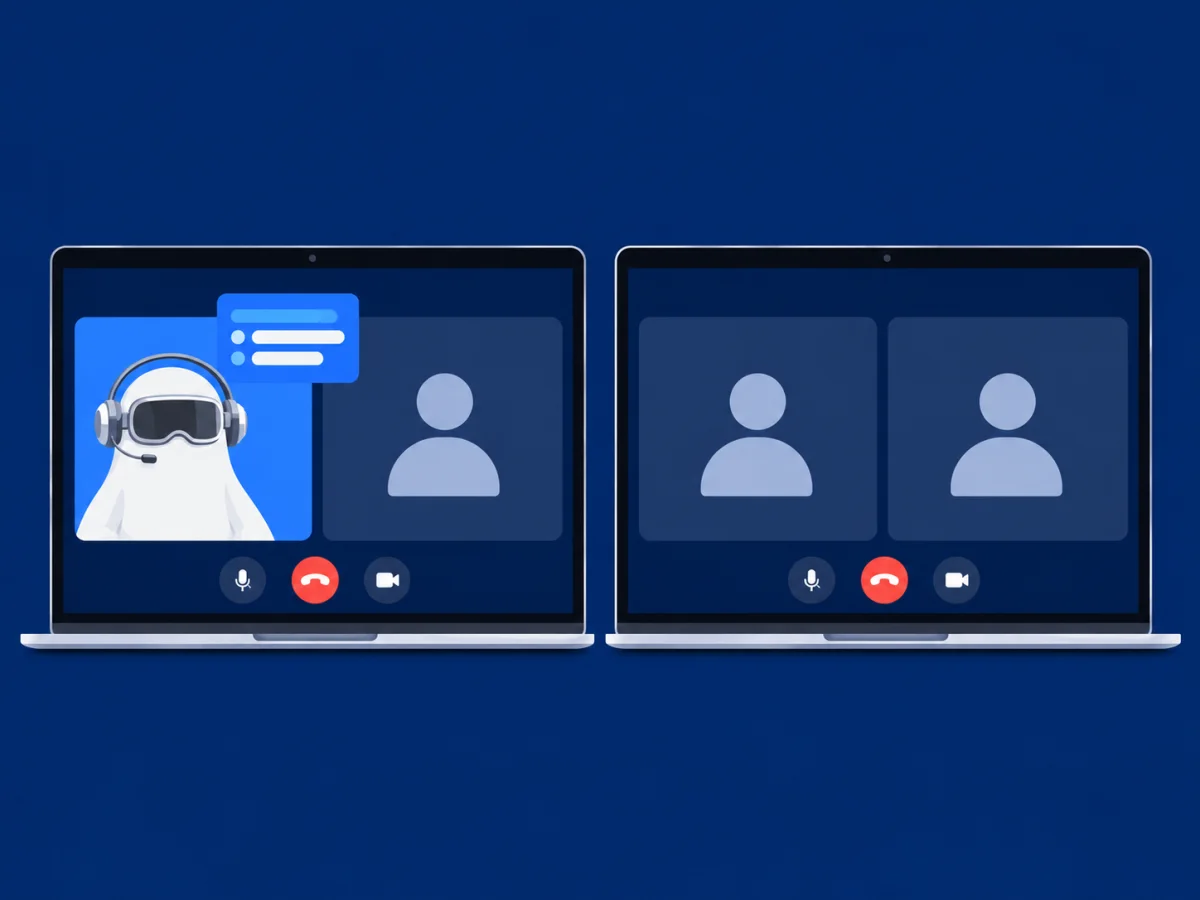
- Start a test meeting (Zoom and Meet let you meet alone) and share your whole screen.
- Record it, or ask a friend to join, and check whether the assistant's window appears.
- Play an interview question from another device and time how fast the answer appears.
- Repeat after every macOS update.
Questions
Do AI interview assistants show up when I share my screen on a Mac?
Most hide their window from screen capture, but macOS and each meeting app capture the screen in different ways, and that changes with updates. Test before an important call: Ghostpilot has a built-in stealth test that shows what a screen-share viewer would see.
Which permissions does an interview assistant need on macOS?
Microphone, and Screen & System Audio Recording to hear the other side of the call. Grant them in System Settings → Privacy & Security; after an app update you may need to switch them off and on again.
Does Ghostpilot work on Apple Silicon and Intel Macs?
Yes, on macOS 14.2 Sonoma or later, on both.
See how Ghostpilot runs on your Mac
Free to start: 2 live sessions and 3 mock interviews a month. When the real interviews start, a 7-day Pass is €19 and a single call is €4.90.