What if my mind goes blank mid-interview?
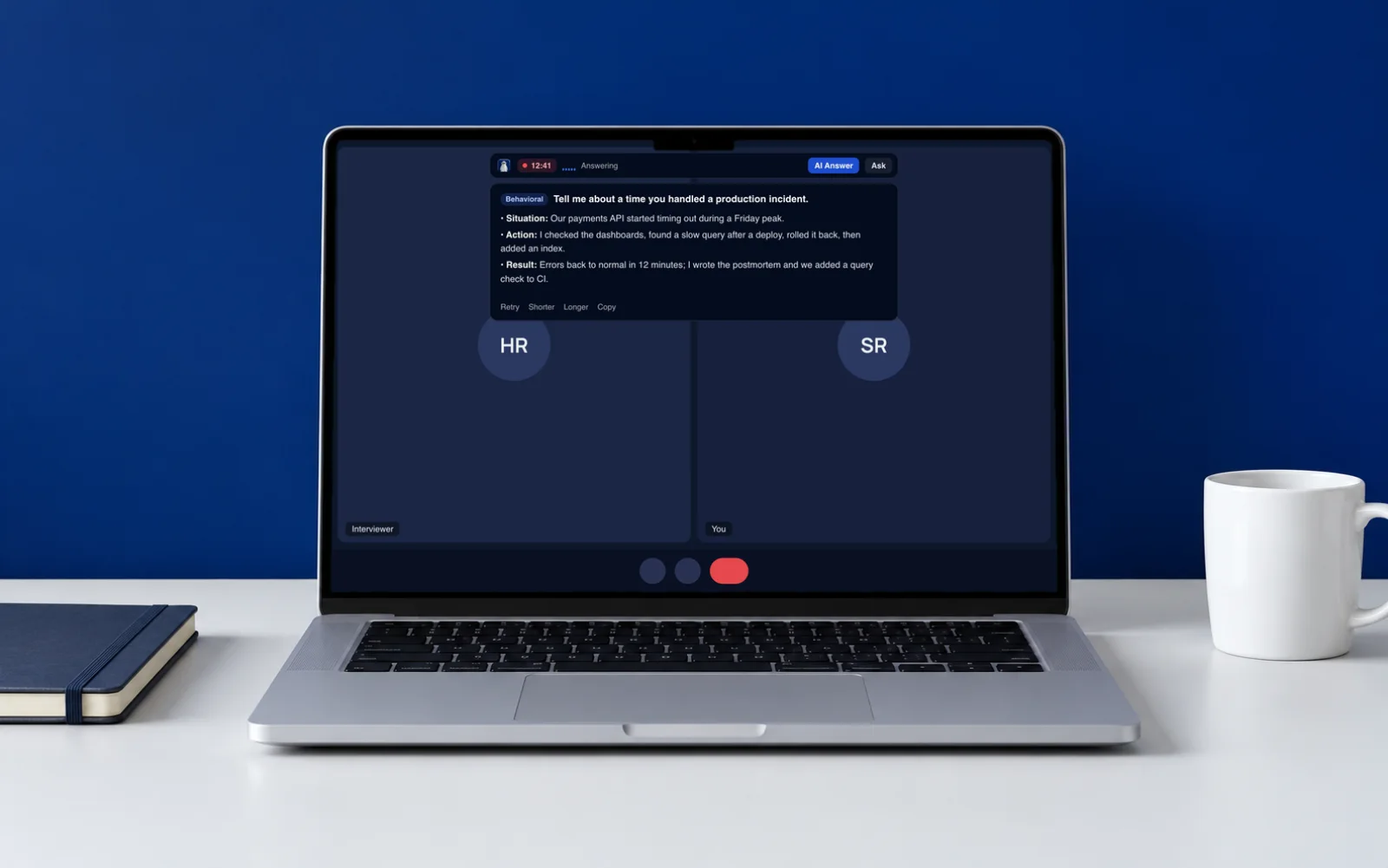
That's the moment Ghostpilot is for. It picks up the interviewer's question as soon as they finish and shows a short answer from your own CV within seconds, so your first point is ready. Keep answers short and in bullets, and press ⌘↵ to ask for one at any time.
Will it react to small talk or filler words?
No. Ghostpilot answers the interviewer's questions, not small talk or fillers like “mm-hm”, and it waits until they've finished speaking (about half a second of silence) before it answers.
Can I try it before paying, and get a refund?
Yes. The free plan includes 2 real live sessions and 3 mock interviews a month, so you can test it on a practice call first. The Pass and credits are charged once and never renew. Anything unused is refunded within 14 days: email info@ghostpilotai.tech and a person replies.
Which languages does Ghostpilot understand?
On-device transcription covers the languages your Mac's dictation supports, such as English, Italian, German, French and Spanish. Cloud transcription adds many more and detects the language automatically. Answers can follow the language of the question or always use the language you pick.
Does it help with coding interviews and online tests?
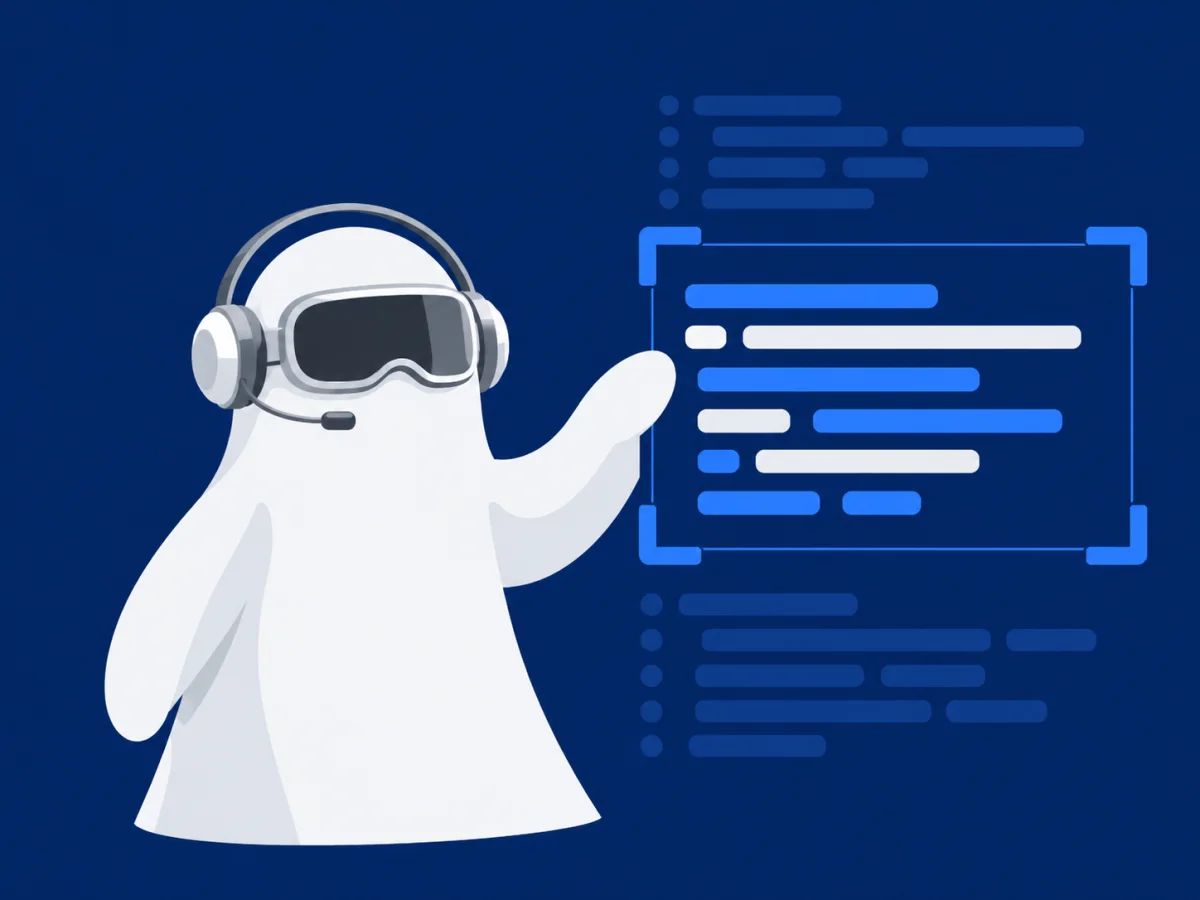
Yes. Capture the problem with a screenshot or area selection on the Mac. You get the approach, working code, complexity and edge cases, plus explain, optimise and review for your own code. In VS Code, Cursor or Windsurf, the Ghostpilot extension does the same for the code you select. In Chrome, the Ghostpilot extension reads the problem on HackerRank, LeetCode, CodeSignal, Codility and CoderPad and answers in a side panel.
Can I tell it how to answer?
Yes. Each saved session holds the company, role, job description and your own instructions, such as “stress my Linux experience” or “keep it short”. Your CV and job description are condensed once into short briefs, so every answer stays relevant.
Will the other people on the call see it?
The overlay is excluded from screen capture and Ghostpilot has no Dock icon. Hiding depends on the macOS version and the app capturing the screen, so use the built-in stealth test before an important call. In the Chrome extension, sharing only a tab doesn't include the side panel; sharing your whole screen does.
Is my audio recorded or stored?
No. Audio is processed live and thrown away. On-device transcription never leaves your Mac. With cloud transcription, the other side's audio passes through our relay to the speech service in the EU and isn't stored.
Does it work for phone interviews and regular meetings?
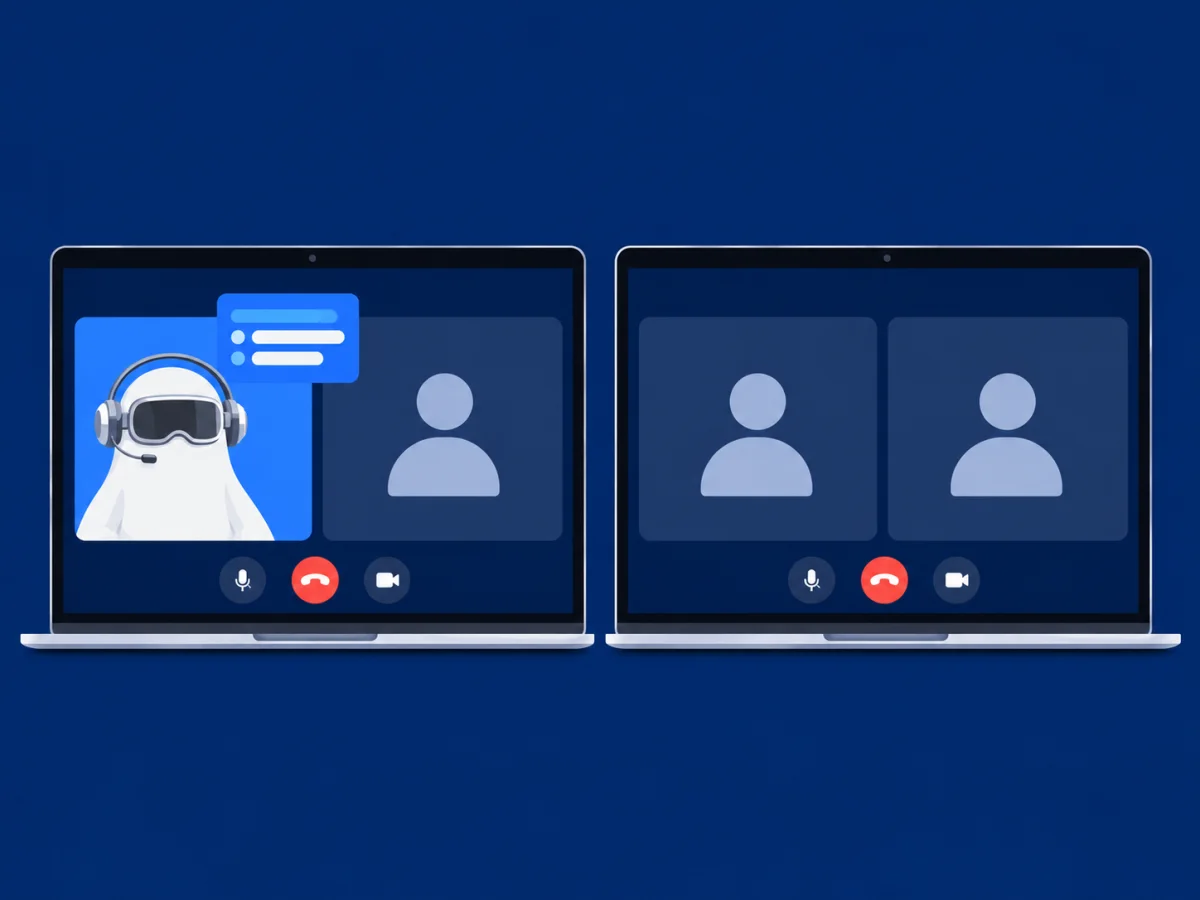
Yes. Put the phone on speaker and choose “Microphone” as the source. For meetings, regular-call mode suggests contributions and writes notes with decisions and action items when you finish.
Which AI models does it use?
Claude models from Anthropic: a fast model for live answers, a stronger one for coding and system design, and the premium model on Pro. If Anthropic is unavailable, the request falls back to an OpenAI model so you still get an answer. The Speed setting lets you trade a little latency for more thorough answers.
Which Macs are supported?
macOS 14.2 Sonoma or later, on Apple Silicon and Intel. Windows and mobile apps are on the roadmap.
Ghostpilot is for conversations where AI help is allowed: practice, mock interviews, meetings, sales and support calls. If an employer, school or exam doesn't permit assistants, respect that.
 Ghostpilot